
Guide
Yumbo 204: Make Yumbo yours
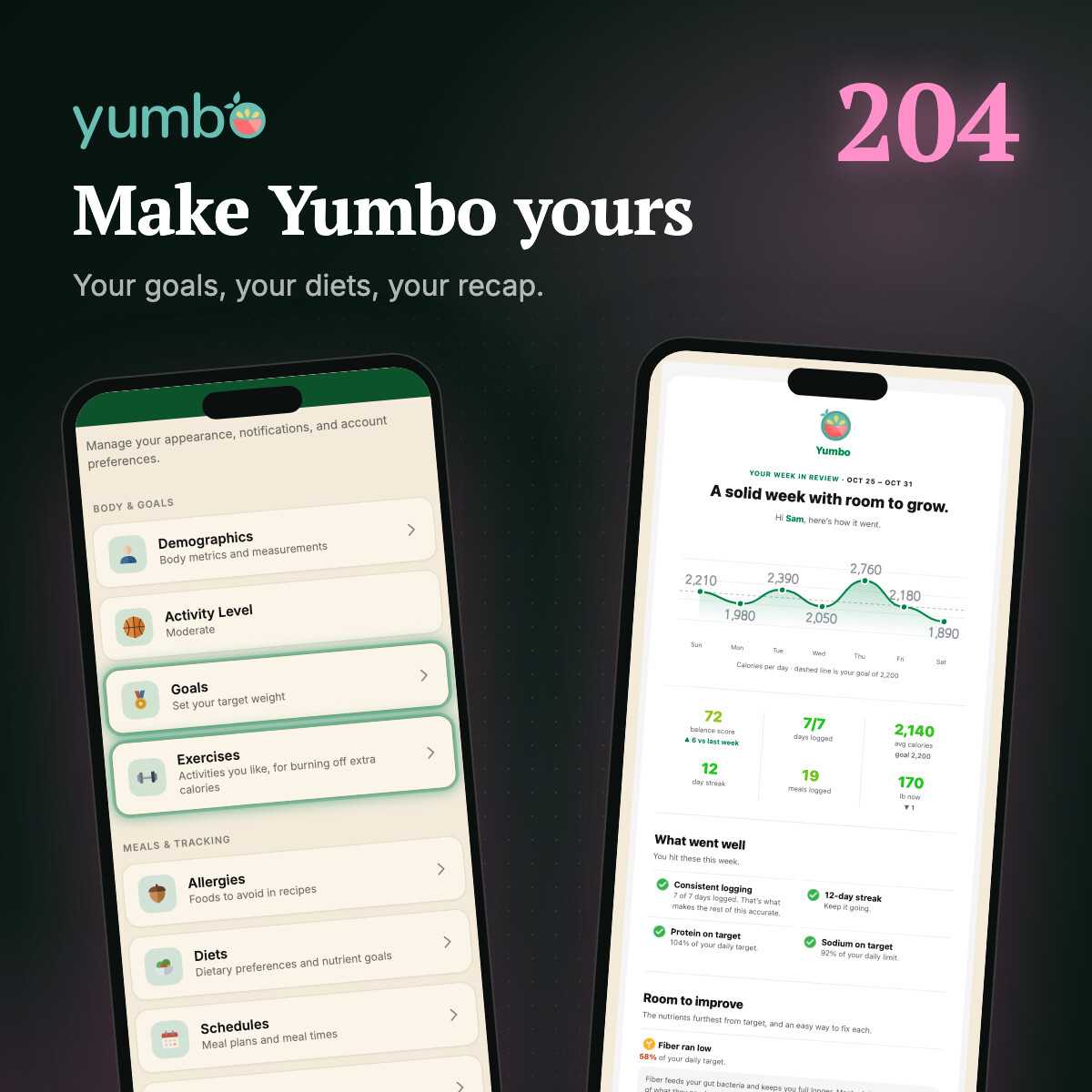
Your body, goals, diets, allergies and meal times shape every number in Yumbo. Set them once, then get a recap of your week, month or year that you lay out yourself.
5 min read 5items2100 XP
This is the last post in Yumbo 201. You've cooked from recipes, planned your week and tracked your weight, workouts and vitamins. Every one of those leaned on the same thing in the background: what Yumbo knows about you. Your targets, your recipe list, Emealio's picks and every score you've seen come from a few minutes in Settings. Here's how to make them right.
Settings, from the top
Swipe left from any page (or tap the gear at the top right) to open Settings. It's grouped so the parts that shape your numbers come first: who you are, what you're aiming for, how you eat, and when.
Your body sets your numbers
Under Demographics are your birthday, sex, height, weight and how active you are. They're not small talk. Yumbo uses them to work out how many calories your body burns in a day, and from that, your daily targets for calories, protein, carbs, fat, fiber and the rest. Leave them blank and you get an average adult's numbers, which are probably not yours.
Then set a goal weight under Goals. Aiming lower takes calories off your target, at a pace that stays safe. Aiming higher adds them. Try it:
Your weight changes, so update it now and then, or just log it on the page and Yumbo keeps up.
Diets and allergies
Allergies is the simple one. Tick what you can't eat, and recipes with it are left out of your list, your recommendations and your weekly plan.
Diets has a lot more in it. There are the familiar ones, like vegan, vegetarian, pescatarian, keto and paleo, plus halal and kosher, and diets built around a nutrient, like low sodium, low sugar or high protein. Ticking one does two things: it keeps your recipes in line with it, and the ones with numbers behind them set the nutrition filters on Recipes to match.
Some diets go further. DASH and Mediterranean come with daily targets, and Yumbo checks how closely you're following them, then nudges recipes and recommendations toward what you're behind on. Medical diets, like diabetic, renal or heart failure, are stricter still: SeeFood and recipes flag a single meal that takes a big share of a daily limit.
Say you've ticked Heart failure and snap a burger and fries. SeeFood warns you right on the photo that it's very high in sodium, and tells you how much of it you could have instead. Under it, every nutrient the diet watches gets a bar for this meal's share of the day. And once today goes over a limit, a warning shows up in the top bar. Tap it to see where you stand.